Horon Design SystemHoron Design System
AI that turns ideas into action.AI that turns ideas into action.
Horus × ONHorus × ON
The vision of Horus. The power to act.The vision of Horus. The power to act.
Horon은 데이터를 이해하는 데서 멈추지 않고 실행과 결과까지 이어 갑니다. 이 디자인 시스템은 Horon 화면을 이루는 토큰과 컴포넌트를 한 기준으로 정합니다.Horon carries data past understanding into execution and results. This design system defines, on one basis, the tokens and components that make up every Horon screen.
- ComponentsComponents
- 84
- Live previewsLive previews
- 84
- Mascot cutsMascot cuts
- 26
- PlatformsPlatforms
- Web · NativeWeb · Native
PrinciplesPrinciples
세 가지 원칙Three principles
Horon 화면은 잉크와 흰 종이에 하늘색 액센트 하나만 씁니다. 떠 있는 표면은 유리로 만들고, 계층과 상태는 글자와 여백으로 나눕니다.Horon screens use ink and white paper with a single sky accent. Floating surfaces are glass; hierarchy and state come from type and whitespace.
-
Ink and paperInk and paper
표면은 흰 종이, 글자와 버튼은 잉크입니다. 색을 더하기 전에 글자와 여백으로 계층을 나눕니다.Surfaces are white paper; text and buttons are ink. Type and whitespace set the hierarchy before color does.
-
Liquid glassLiquid glass
떠 있는 표면은 유리입니다. 웹, 데스크톱, iOS, Android가 같은 흐림, 채움, 테두리 값으로 그립니다.Floating surfaces are glass. Web, desktop, iOS and Android draw them with the same blur, fill and rim values.
-
Same sourceSame source
값은 Figma 변수에서 읽어 토큰 한 곳에 둡니다. 디자인과 코드가 같은 이름, 같은 값을 씁니다.Values are read from Figma variables and kept in one token source. Design and code use the same names and the same values.
ComponentsComponents
84개 컴포넌트 components, 6개 그룹 groups
값을 입력하거나 선택지를 고르는 컨트롤입니다.Controls that take a value or let people choose an option.
데이터와 상태, 브랜드 요소를 화면에 보여줍니다.Shows data, state, and brand elements on screen.
화면과 섹션 사이를 이동합니다.Moves between screens and sections.
현재 화면 위에 떠서 맥락을 보조하는 표면입니다.Surfaces that float above the current screen to add context.
봇과 주고받는 메시지와 그 주변 컨트롤입니다.Messages exchanged with a bot, plus the controls around them.
봇이 일하는 과정과 결과를 보여주는 블록입니다.Blocks that show how a bot works and what it produced.
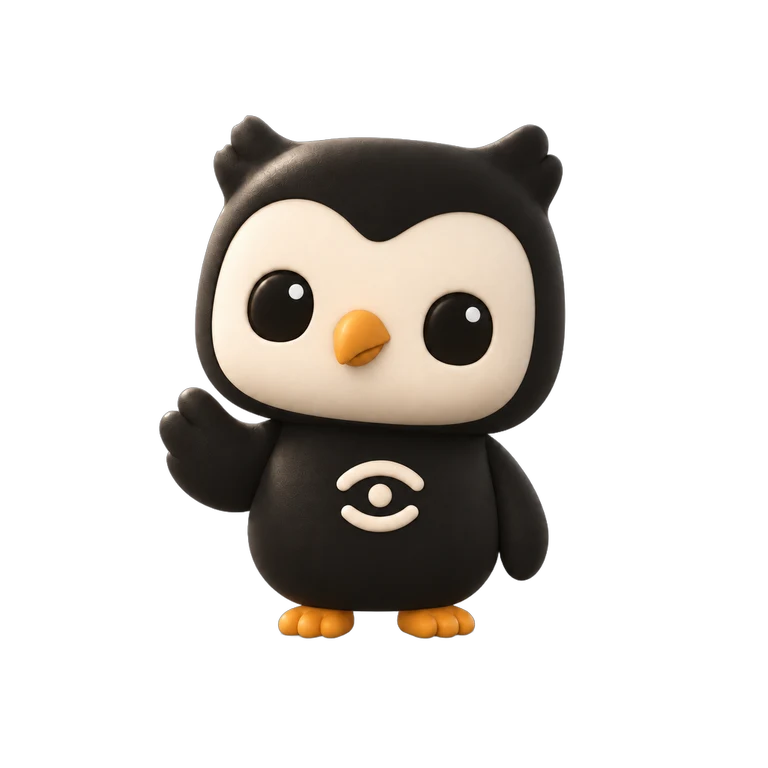
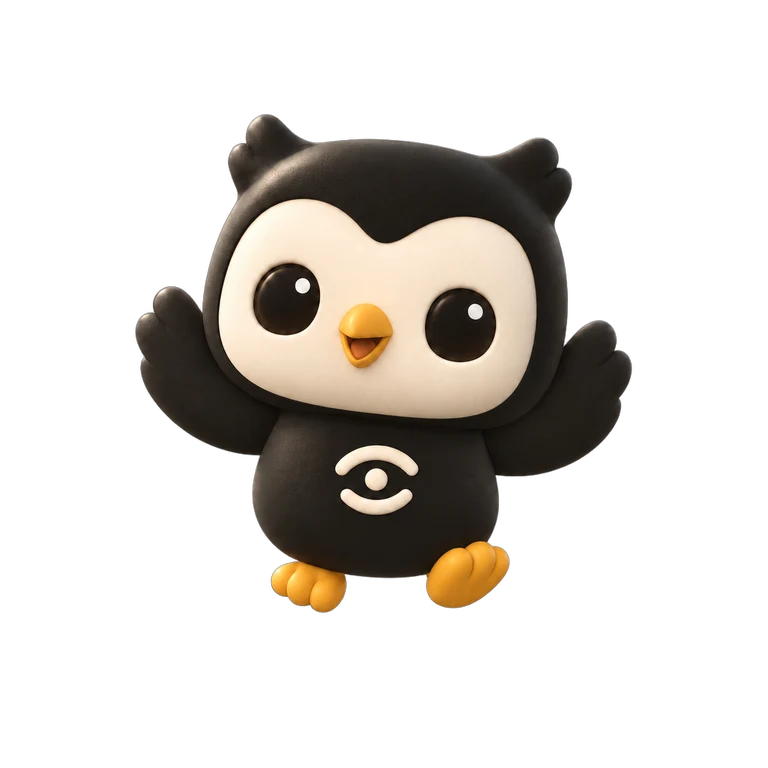
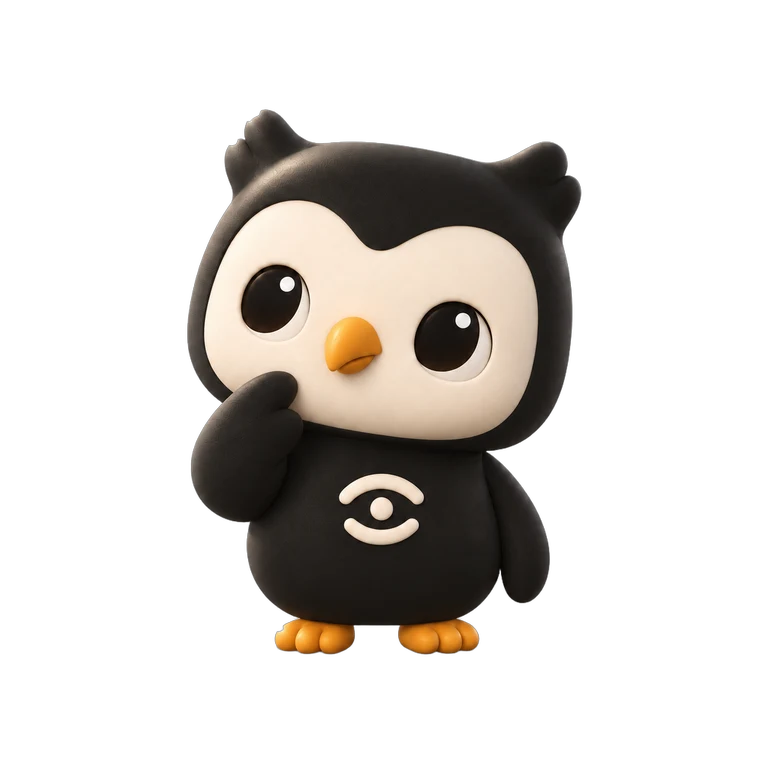
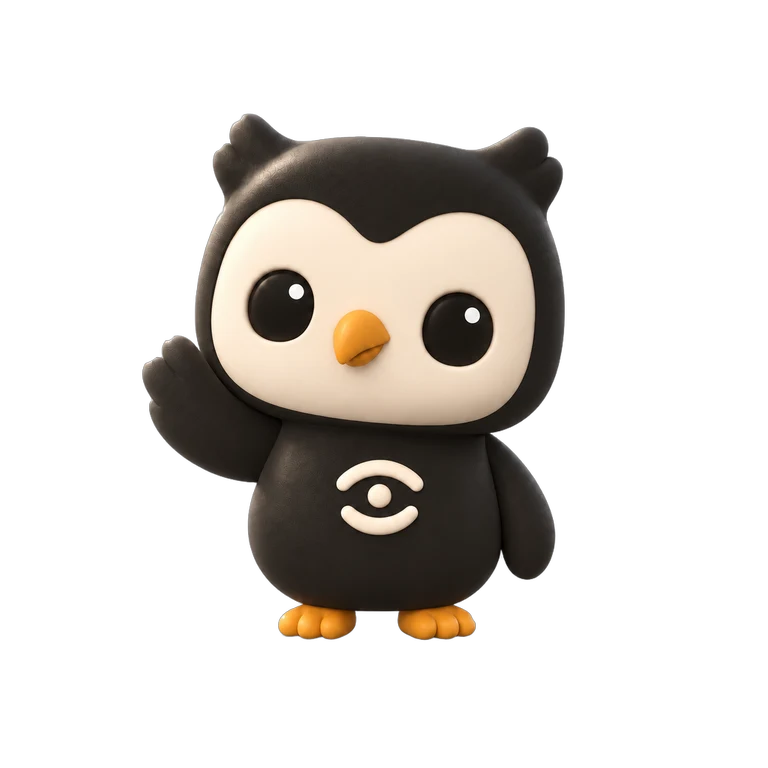
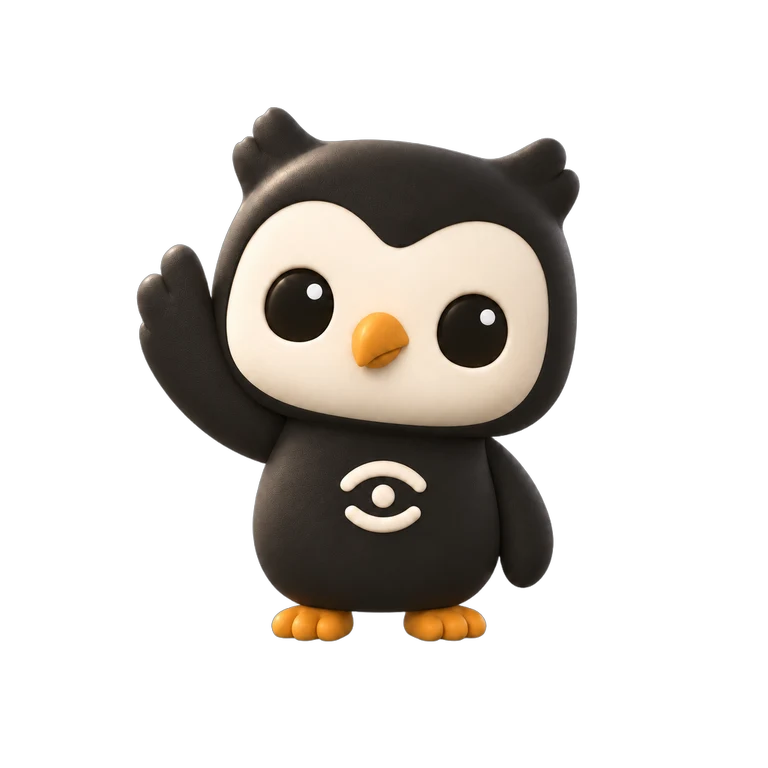
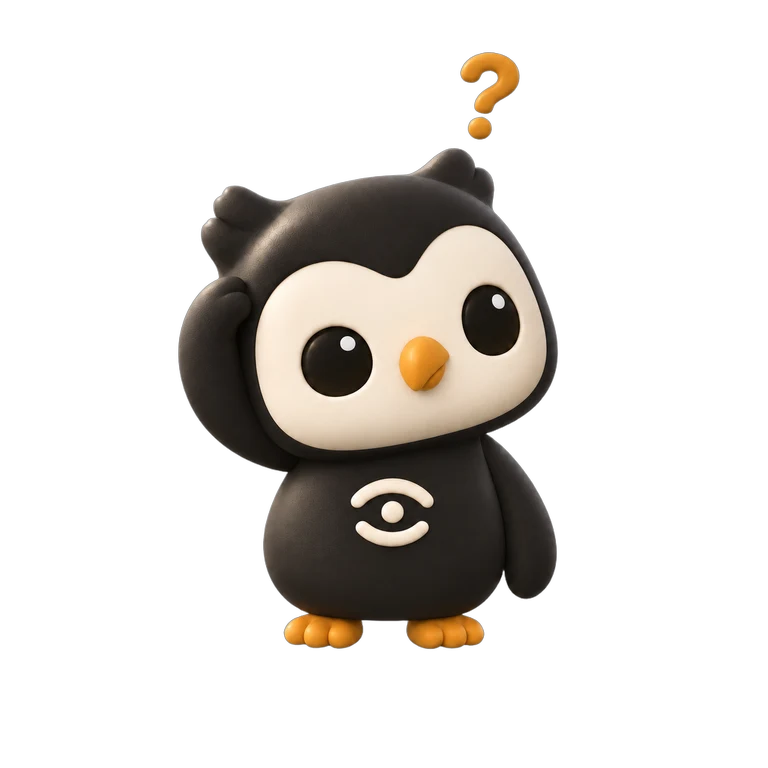
MascotMascot
둥근 매, A round falcon, 26가지 표정 expressions
Horus × ON에서 이름을 딴 매입니다. 빈 상태, 오류, 로딩처럼 화면이 상황을 알려야 할 때 한 컷씩 나옵니다. 모든 컷은 1254 × 1254 투명 PNG로 내려받을 수 있습니다.A falcon named after Horus × ON. One cut appears when a screen has to tell you something: empty states, errors, loading. Every cut downloads as a 1254 × 1254 transparent PNG.